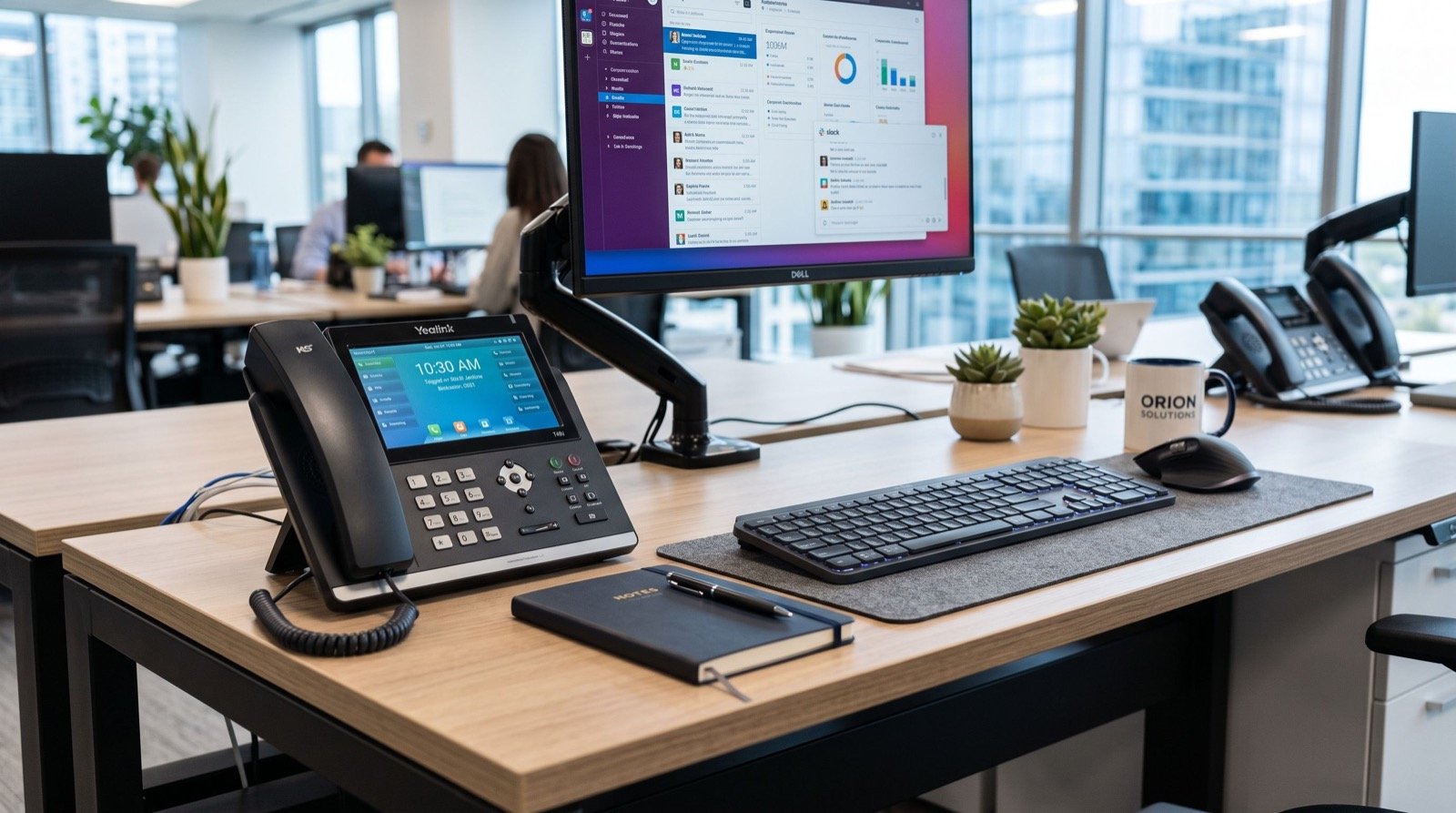

Business Networking Hardware in 2026: A Buyer’s Guide for Growing SMBs
Choosing the right business networking hardware in 2026 has become a strategic decision, not a back-office afterthought. A small or mid-sized business that runs cloud apps, VoIP calls, video meetings, and point-of-sale terminals all day needs a network that stays fast and secure under pressure. The wrong switch or an underpowered router quietly drains productivity, frustrates staff, and opens security gaps. This guide walks through the core components, the specs that actually matter, and how to build an IT infrastructure that scales with you instead of holding you back.
Whether you run a retail branch in Riyadh, a clinic in Lahore, or a distributed sales team, the same principles apply. Get the fundamentals right and your network becomes invisible in the best way, quietly doing its job so your people can do theirs.
Why Business Networking Hardware Deserves Real Planning
Consumer gear is built for a household of a dozen devices. A business environment behaves very differently. You may have 50 laptops, a fleet of IP phones, security cameras, and dozens of cloud sessions competing for the same pipe. Business networking hardware is engineered for that density, with better thermals, longer warranties, and management features consumer boxes simply lack.
Downtime is the number one reason to invest early. When the network drops, orders stop, calls fail, and customers walk. A resilient design pays for itself the first time it prevents an outage during peak hours.
The Core Components You Need
- Router / firewall: the gateway between your office and the internet, handling routing, VPN, and threat filtering.
- Managed switches: the backbone that connects wired devices with VLANs, QoS, and PoE.
- Wireless access points: enterprise-grade Wi-Fi 6/6E coverage with seamless roaming.
- Structured cabling: Cat6a or fiber runs that future-proof your bandwidth.
- UPS and PoE budget: clean power so a brief outage does not take the whole network down.
Choosing Switches and Routers That Scale
Start with port count and Power over Ethernet. A managed switch with PoE+ powers IP phones, access points, and cameras over a single cable, cutting installation cost and clutter. Look for at least 30W per port if you plan to run pan-tilt cameras or Wi-Fi 6E radios. For the router, prioritize throughput with the firewall enabled, because published speeds often collapse once deep packet inspection turns on.
VLAN support is non-negotiable for a serious 2026 network. Segmenting guest Wi-Fi, VoIP, and point-of-sale traffic into separate VLANs limits how far a breach can spread and keeps latency-sensitive voice traffic prioritized through Quality of Service.
Specs That Actually Matter
| Component | Entry SMB | Growth SMB | Why It Matters |
|---|---|---|---|
| Switch ports | 24-port Gigabit | 48-port multi-Gig | Headroom for growth |
| PoE budget | 250W | 740W+ | Powers phones, APs, cameras |
| Firewall throughput | 1 Gbps | 2.5–5 Gbps | No slowdown with inspection on |
| Wi-Fi standard | Wi-Fi 6 | Wi-Fi 6E / 7 | Density and low latency |
| Uplink | 1 GbE | 10 GbE / fiber | No backbone bottleneck |
Follow recognized cabling standards when you plan the physical layer. The TIA structured cabling standards define the performance categories and installation practices that keep your runs certified and reliable for a decade or more.
How Do You Match Hardware to Your Business Size?
Right-sizing is where most SMBs get it wrong, either overspending on data-center gear or buying a home router that buckles in month three. Start by counting concurrent devices, then multiply by expected growth over three years. A ten-person office planning to double should buy a 48-port switch now, not a 24-port they will outgrow.
Consider your applications too. Heavy video, cloud ERP, and VoIP all demand low latency and consistent bandwidth. If reliability is mission-critical, plan redundancy: dual internet links with automatic failover, or stacked switches so one failure never takes the office offline. Many growing teams lean on dependable specialists to size the design and avoid costly rework.
A Practical Rollout Checklist
- Audit current device count, bandwidth use, and pain points.
- Map growth over the next three years.
- Design VLANs for voice, data, guest, and IoT.
- Spec PoE budget with 30% headroom.
- Install certified Cat6a or fiber cabling.
- Deploy, then document every port and IP for support.
Don’t Forget Security and Voice
Networking hardware and communications tools work best when planned together. A properly segmented network keeps VoIP crisp and protects payment systems. When you deploy IP telephony, matching quality headsets to the network matters as much as the phones themselves. A professional device like the Addasound Epic 301 pairs noise-cancelling audio with the clean, prioritized bandwidth a managed switch provides, delivering call quality customers notice.
Physical customer-facing systems benefit too. A well-designed network is the foundation for a modern queue management system in saudi arabia, where ticketing kiosks, digital signage, and counter displays all depend on stable connectivity to keep lobbies moving and wait times low.
Frequently Asked Questions
What is the difference between a managed and unmanaged switch?
An unmanaged switch simply forwards traffic with no configuration. A managed switch adds VLANs, QoS, port monitoring, and security controls, giving you the visibility and segmentation a business network needs to stay fast and safe.
Do small businesses really need Wi-Fi 6E in 2026?
If you have high device density, video calls, or latency-sensitive apps, yes. Wi-Fi 6E opens the 6 GHz band, reducing congestion and improving performance in busy offices. Lighter environments can still do well on Wi-Fi 6.
How much should an SMB budget for networking hardware?
Budgets vary, but a solid managed switch, firewall, and access points for a small office typically represent a modest one-time cost against years of reliability. Investing in quality gear now avoids expensive replacements and downtime later.
Can I mix brands of networking hardware?
You can, since standards like Ethernet and PoE are universal. However, sticking to one ecosystem often simplifies management, firmware updates, and support, which reduces long-term IT overhead.
Building a Network That Grows With You
The right business networking hardware in 2026 is an investment in speed, security, and uptime. Start with managed switches and a capable firewall, plan VLANs from day one, and size for the business you will be in three years, not the one you are today. Pair that solid backbone with quality voice and customer-facing systems, and your IT infrastructure becomes a competitive advantage. When you are ready to design or upgrade, partner with an experienced reseller who can match the hardware to your goals and keep your network running when it matters most.